23.4 Using Google Colab
We introduced how to run this book on AWS in Section 23.2 and Section 23.3. Another option is running this book on Google Colab if you have a Google account.
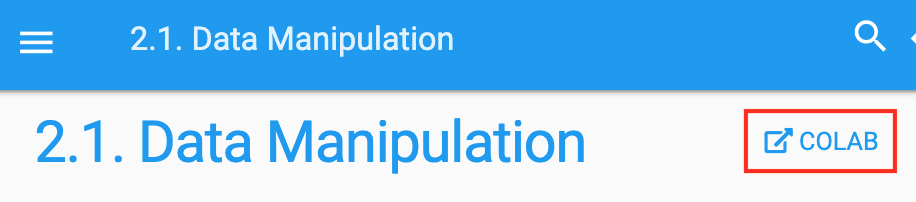
To run the code of a section on Colab, simply click the Colab button as shown in Figure 23.4.1.
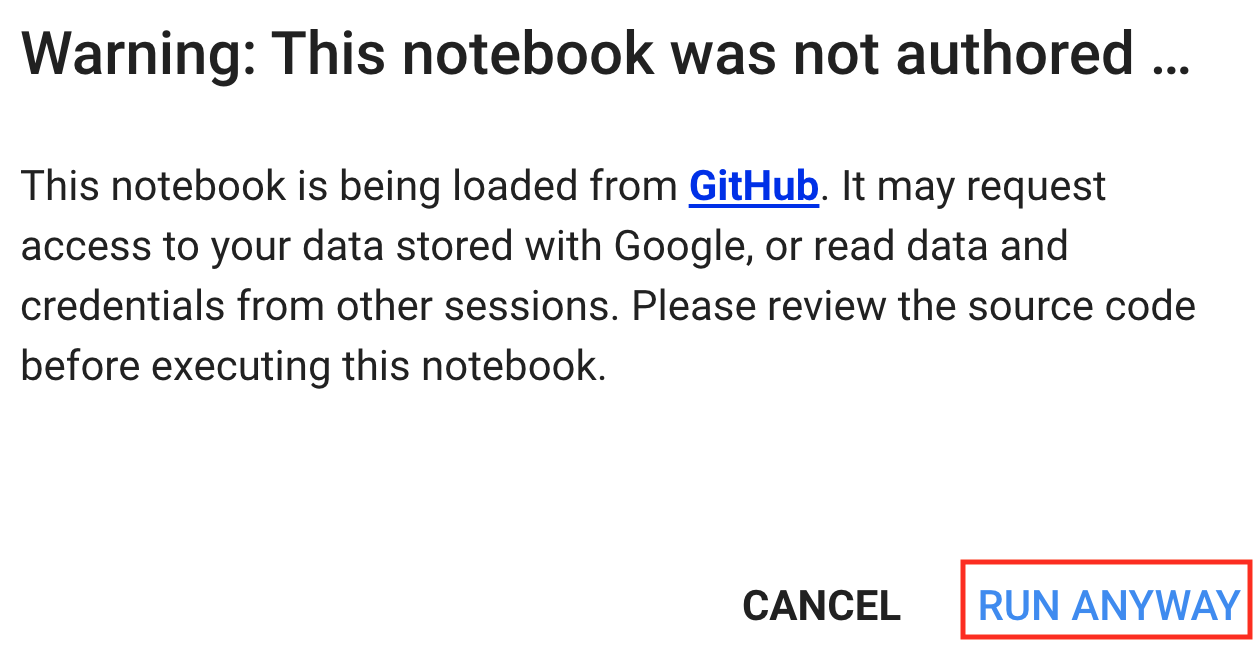
If it is your first time to run a code cell, you will receive a warning message as shown in Figure 23.4.2. Just click “RUN ANYWAY” to ignore it.
Next, Colab will connect you to an instance to run the code of this section. Specifically, if a GPU is needed, Colab will automatically connect to a GPU instance.
If you plan to work through many notebooks, it is often easier to git clone the entire book repository into your Colab session, so that all chapters, images, and auxiliary files are available on the local filesystem. This also sidesteps “No such file” errors that can occur when a notebook tries to load images via relative paths that are not present when only a single notebook is uploaded.
23.4.1 Summary
- You can use Google Colab to run each section’s code in this book.
- Colab will be requested to connect to a GPU instance if a GPU is needed in any section of this book.
23.4.2 Exercises
- Open any section of this book using Google Colab.
- Edit and run any section that requires a GPU using Google Colab.